Rummy Safety: Protect Account Access on Public Wi-Fi
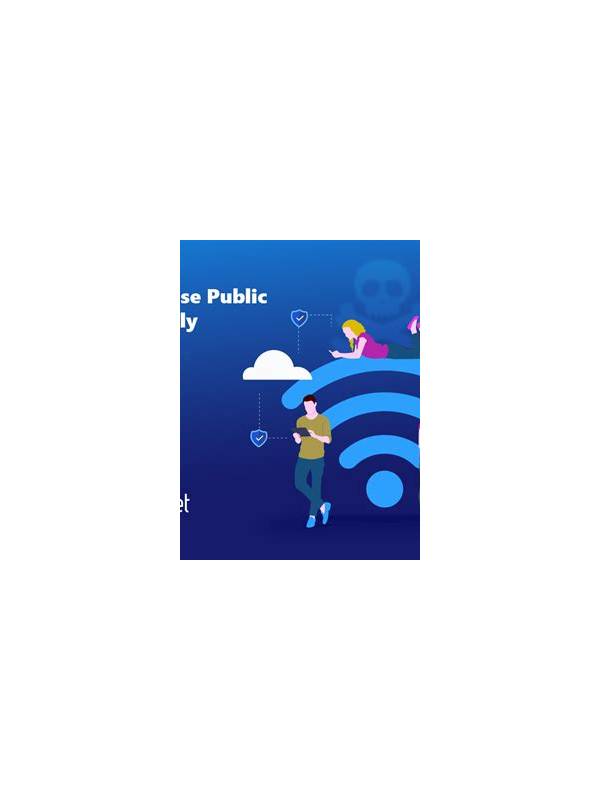
Public Wi-Fi can be convenient, but it is a poor place to handle sensitive account activity casually. A network name alone does not prove that a hotspot is legitimate, and crowded networks may expose you to interruptions or deceptive prompts. A few practical habits reduce risk while you decide whether to play.
Prefer a trusted mobile connection for signing in, changing account details, or making a payment. If you must use public Wi-Fi, confirm the network name with the venue rather than joining a similarly named hotspot. Keep your device software and the card-game app updated through official channels before you travel. Updates often include important security fixes.
Watch for unexpected login pages, urgent verification messages, or requests to install a certificate or remote-support app. A game or payment service should not require you to share a password or one-time code with another person. Close suspicious prompts and reach the service through its official app or bookmarked support address, not through a link in an unsolicited message.
Avoid entering payment details on a shared or unfamiliar device. If the session concerns only practice, use the minimum account access necessary and do not save credentials in the browser. Turn off automatic connection to open networks, and disconnect when you leave. A virtual private network may add protection, but it does not make a fake app or phishing page trustworthy.
Review account alerts afterward from a trusted connection. If you notice an unfamiliar login, payment, or device, use the official security controls to sign out other sessions and change the password. Contact support through a verified channel if access or transactions are unclear.
The safest choice is sometimes to postpone play. A public network is not worth rushing through an account decision. Keep strategy and entertainment separate from actions that expose identity, payment, or recovery information.
If a network repeatedly disconnects, do not keep reconnecting while an account action is pending. Wait for a trusted connection and check the account status through the official application. A stable, verified connection is more important than finishing one hand or responding to an urgent-looking prompt.
Use a screen lock and keep the device with you while connected. Do not accept help from someone who asks to control the device or requests a login code. If you are unsure whether an alert is genuine, close it and navigate through the official app instead of following the alert’s link.