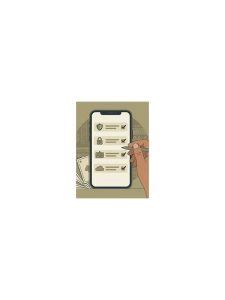
Rummy Safety: Check a New Download Before Opening It

Installing a game application should be treated like any other software download. A familiar name does not prove that a file is authentic, current, or safe. Take a few minutes to check the source and the permissions before opening it.
Begin with the download location. Prefer an official app store or a clearly identified publisher page. Be cautious with links sent through unsolicited messages, shortened URLs, pop-ups, or pages that pressure you to disable device protections. If a page uses urgency, promises guaranteed winnings, or asks for unrelated personal information, stop and verify through a trusted route.
Inspect the file and publisher details before installing. The application name, icon, developer identity, version, and update date should make sense together. An oddly named package, a missing publisher, or a file that appears repackaged deserves further checking. Never assume that comments alone confirm authenticity; reviews can be incomplete or manipulated.
Read requested permissions. A card game may need network access, but requests for contacts, text messages, accessibility control, or unrelated storage should have a clear explanation. If a permission is optional, deny it. If the app will not function without an excessive permission, consider using a different source or not installing it.
After installation, keep device security features enabled and update the operating system. Use a unique password for the gaming account and enable an available second factor. Do not share one-time codes, payment PINs, or recovery phrases with anyone claiming to provide support. Real support should not need those secrets.
If the application behaves strangely, consumes unusual resources, opens unexpected pages, or requests new permissions without explanation, close it and investigate from a separate trusted device if possible. Remove access you do not need and use official account recovery channels. These checks do not guarantee safety, but they reduce avoidable risk while keeping your gaming choices under your control.
Use the same caution for updates and support tools. An update prompt that appears outside the normal store or application flow may be a fake. Close it and check the publisher’s known channel manually. Keep screenshots of suspicious messages only if they contain no private codes or financial details; otherwise report and delete them. When in doubt, do not install under pressure. A delayed game is a small inconvenience compared with recovering an account or cleaning an infected device.
Before installation, check that your device has a current backup and enough storage. Backups do not make an unsafe file safe, but they make recovery less painful if something goes wrong. Remove old apps you no longer use and review the installed list after the update.