Rummy Safety: Keep Device Access Under Control
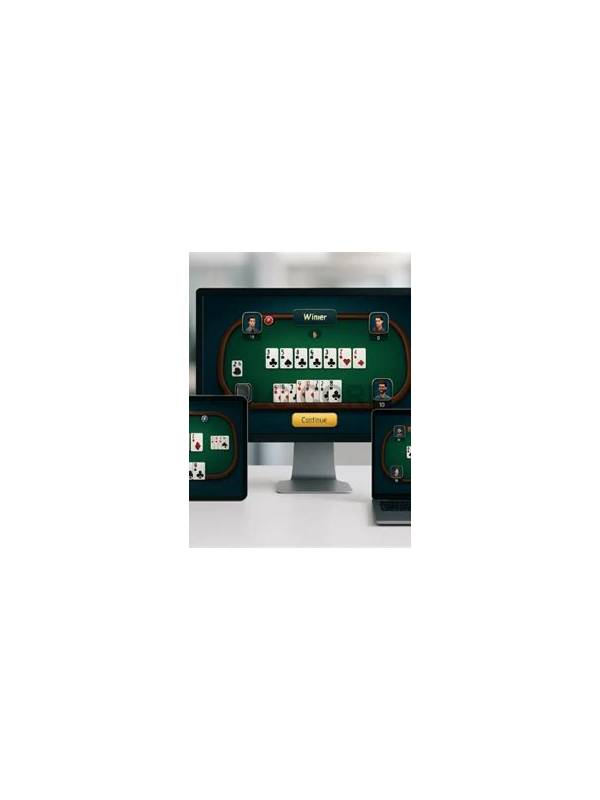
Shared devices create risks that have nothing to do with card strategy. Another person may see notifications, saved login details, wallet screens, or an open session. A few privacy checks before and after play can reduce accidental exposure without making the activity complicated.
Start with the lock screen. Use a device passcode or another built-in security method, and make sure message previews do not display sensitive content while the screen is locked. Do not lend an unlocked device while a rummy session or account page is open. If a family member needs the phone, close the app first and return to a neutral screen.
Review saved sign-in options. Avoid storing account passwords in a browser or app profile that other users can access. Never share one-time codes, recovery links, or payment confirmations through a public chat. If the app provides a sign-out control, use it after play on a shared device. A small delay is preferable to leaving an active session available to the next person.
Check screenshots and notifications as well. Screenshots can remain in photo backups, and notification banners may reveal balances, usernames, or table activity. Delete material you no longer need and understand which services synchronize photos or messages. Do not record another player’s private information for convenience. Keep practice notes general and free of credentials.
If you suspect that someone accessed the account, pause before continuing. Change the password through the official app or site, review active sessions if that feature exists, and contact verified support. Do not follow an unexpected message that asks for a password, code, or remote-access installation. Use a help channel reached from the application or official domain rather than a link supplied by a stranger.
The goal is controlled access, not anxiety. Decide in advance who can use the device, close sensitive screens, and keep recovery information private. These habits protect both recreational practice and any personal data associated with the account.
Review these settings periodically because phones and apps change after updates. A privacy choice that was available yesterday may move to another menu today. Use the device’s own security documentation when needed, and avoid installing unofficial tools that promise to protect an account by requesting excessive access.
Use separate profiles where the device supports them, and avoid leaving payment pages open after a transaction. If another person must use the device immediately, lock it first. Privacy is easiest when the safe action becomes the default action every time.