Rummy Safety: Plan for a Frozen or Delayed Interface
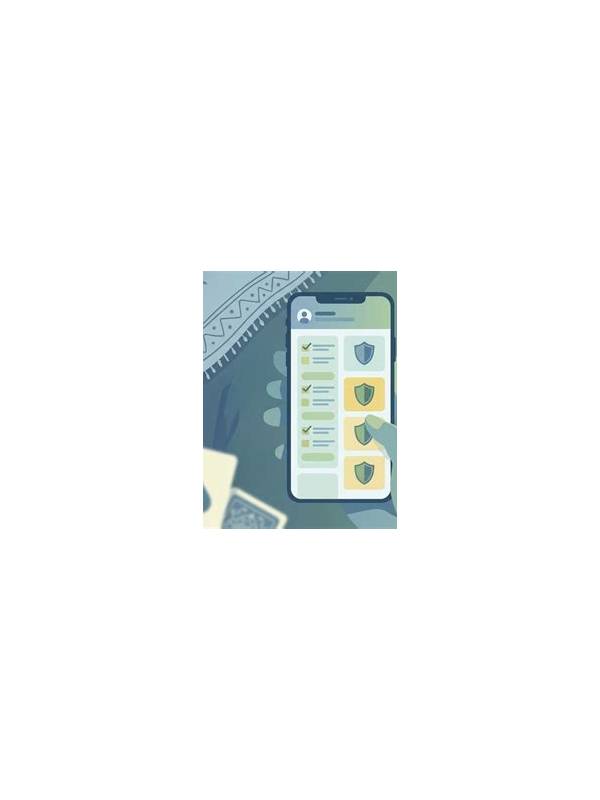
A frozen or delayed interface can create two risks at once: you may not know whether an action was accepted, and you may be tempted to tap repeatedly. Repeated taps can duplicate an action, open an unintended screen, or make it harder to reconstruct what happened. A simple response plan keeps the technical problem from becoming a rushed game decision.
First, stop tapping and note the visible state. Record whether the card moved, whether the turn timer changed, and whether a confirmation or error message appeared. Do not assume that a missing animation means the action failed. Wait briefly for the interface to catch up if the table remains connected. Use only the platform’s normal status indicators to determine whether the action was recorded.
If the screen remains frozen, follow the service’s documented reconnection process. Avoid installing an unofficial “fix,” sharing login details with someone who offers help, or moving the conversation to an unverified support account. Official support may need a time, table reference, or general error description, but it should not need your password or private recovery information.
When you return to the table, reconstruct the hand from confirmed information. Check the current hand size, the last accepted draw, the discard state, and the remaining turn time. Do not rely on the layout you remember from before the interruption. If the interface is still unclear, pause according to the platform’s rules and avoid making a financial or strategic decision based on an unverified display.
After the session, write a short technical note without sensitive details. Include device type, app version if known, network condition, and what the interface showed. Crop any screenshot so it does not expose balances, profile data, or private messages. A clear report is more useful than a long emotional description.
You can also prepare before playing. Keep the application updated through its normal channel, close unnecessary overlays, use a stable connection, and know where the official help option is located. These steps cannot prevent every delay, but they reduce the chance that a temporary display problem turns into repeated actions, account exposure, or an avoidable rushed decision.
Keep the response calm, documented, and limited to official channels.
If a charge or other account state is involved, do not repeat a payment while the first action is unconfirmed. Check the official transaction history or support process first. Technical uncertainty is a reason to verify, not a reason to act faster.