Rummy Safety: Secure Notifications on a Shared Phone
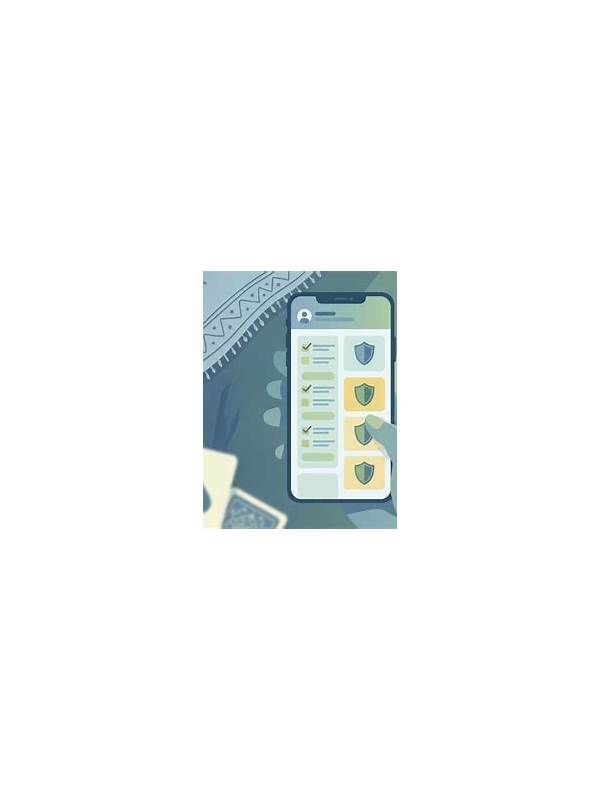
A shared phone can expose more than messages. Notifications may reveal account names, transaction alerts, login codes, or game activity to anyone who can see the lock screen. A few device-level checks can reduce that exposure without affecting normal play.
Start with lock-screen content. Open the phone’s notification settings and choose a private or hidden preview option for apps that handle account information. You can often show that a notification arrived without displaying its full text. This is useful when family members, coworkers, or friends may see the phone while it is charging.
Review notification categories inside the app as well. Promotional notices, security alerts, and account messages may have separate controls. Keep genuine security alerts enabled, but consider disabling nonessential marketing banners. Fewer notifications make important messages easier to identify and reduce accidental taps on unfamiliar links.
Protect the device itself with a current screen lock. A short pattern that others know is not a strong barrier. Use a private PIN or biometric unlock where appropriate, and avoid registering another person’s fingerprint without understanding what access it grants. Never read a one-time code aloud or leave it visible in recent notifications.
Shared devices also need account separation. Sign out when the app supports it, avoid saving passwords in a browser profile used by others, and check whether autofill is exposing account details. If you install an app from outside an official store, verify its source and permissions first. An app that requests unrelated access deserves extra caution.
Finally, inspect recent sessions or security activity when the service provides that option. If you see a device or login you do not recognize, change the password through the official app or website and contact verified support. Do not respond to a notification link that asks for payment or credentials. Privacy is a routine setting, not a one-time promise, so repeat this review after major phone or app updates.
If several people use the phone, agree that account messages are private and should not be opened casually. Keep recovery settings under your control, and remove old accounts from the device when their owner no longer needs access. These ordinary housekeeping steps reduce the chance that a harmless-looking alert becomes an unintended disclosure. When in doubt, close the notification and open the service through its known app or official address.
Check these settings from the phone itself rather than following an unsolicited message. Official menus are slower but safer, especially when an alert claims that urgent action is required.