Rummy App Update Checklist: Recheck Settings After Changes
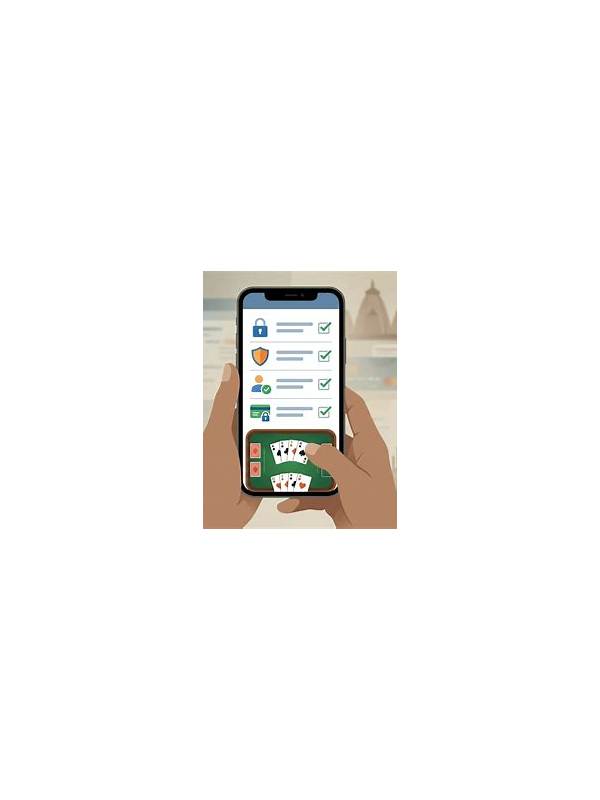
An app update can change menus, permissions, notifications, display settings, or the way a table presents rules. Most updates are routine, but a quick check can prevent confusion during a time-sensitive hand. Use the checklist before entering an important session.
First confirm that the update came from the platform’s official distribution channel or the provider’s verified page. Avoid links delivered through unsolicited messages. Check the app name, publisher, and requested permissions. If the source or permission request looks unusual, pause and seek official support.
Open the app without joining a paid table and inspect the account screen. Confirm that you are signed into the intended account and that no unexpected profile or payment prompt appears. Never enter credentials into a page reached from an untrusted message. Use the normal sign-in path and keep authentication details private.
Next test the interface in practice mode. Check card size, sorting, timer visibility, sound, chat, and the location of draw, discard, and declaration controls. A changed button position can cause an accidental action when you are playing quickly. Verify that the rules or help link still opens the correct variant explanation.
Review privacy and notification settings. Disable alerts that interrupt focus, and check whether an update has enabled permissions you do not need. On a shared device, sign out when finished and avoid saving sensitive information in a browser or keyboard.
Finally test connection and battery conditions. A short practice hand can reveal lag, touch problems, or unexpected reconnection behavior. If the platform provides a connection indicator, learn where it is before joining a serious table.
Keep a brief record of any change that affected play. If a feature is missing or a transaction appears wrong, use official support and include only safe, relevant evidence. A calm post-update check turns a surprise interface change into a manageable preparation step.
Do not assume that a new promotion or message is part of the update simply because it appeared at the same time. Read conditions independently and ignore pressure to act immediately. If an offer requires unusual access, a private code, or a payment outside the normal process, stop and verify it through the provider’s official channel.
After the check, return the device to the settings that make ordinary play comfortable. Familiarity is part of safety because it reduces accidental taps and unnoticed interruptions.
Run this check again after major permission or interface changes.