Rummy Safety: Check a Session After an Unexpected Logout
An unexpected logout can be a technical nuisance, but it is also a useful safety checkpoint. Before immediately rejoining a table or repeating a payment action, verify what changed and whether the app is showing the correct account and session state.
First, reopen the app through the normal installed icon or an official route you already trust. Avoid links in urgent messages that claim to restore access. Confirm the account identifier shown on the sign-in screen without sharing passwords, recovery codes, or one-time codes with anyone. If the screen looks unfamiliar, stop and use the platform’s documented support path.
After signing in, check the session history, balance display, and any unfinished-table notice. Do not assume that a missing screen means a transaction failed, or that a repeated button press is harmless. Look for a receipt, status message, or account history entry before trying the action again. If two screens disagree, save the visible reference information but do not expose private details in public chat.
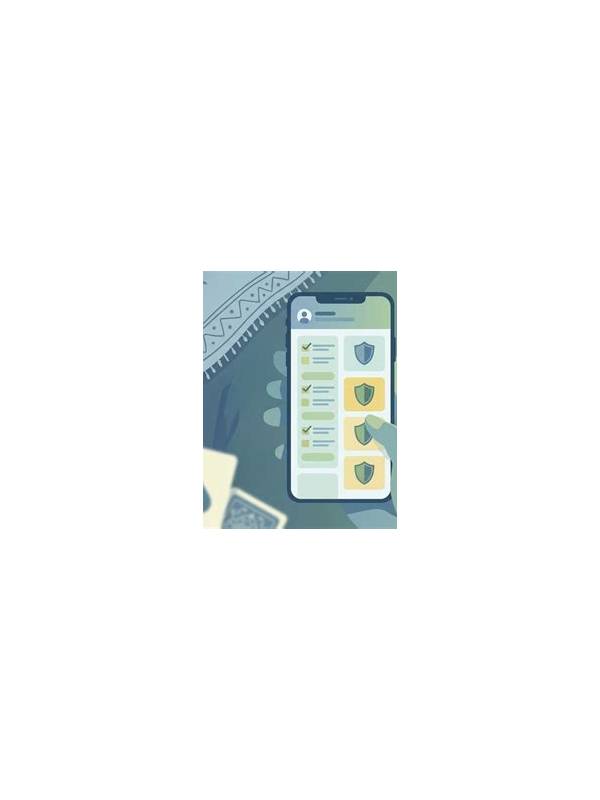
Review device security as well. A logout can follow an app update, a cleared session, a password change, or activity from another device. Check the account’s active-session list if available and remove access you do not recognize through the official settings. Update the app only from a trusted store, and keep the operating system current.
For gameplay, reconstruct the last known state before making a decision. Was it your turn? Had a card already been drawn? Did the table end? Rejoining without this information can create a rules or timing mistake. If the platform does not clearly restore the state, contact support and wait for an answer rather than guessing.
The safest response is calm and documented: verify the route, confirm the account, check history, review device access, and only then resume. Never allow pressure from a countdown or an alarming message to make you disclose credentials or repeat an uncertain transaction. If support is needed, record the approximate time, screen message, and action before the logout. Keep screenshots free of passwords, codes, payment details, and identity documents. Factual notes help official support while protecting private information. If the logout happened during a live hand, avoid relying on another person’s screenshot or message as the only source of truth. Confirm the table state through the platform and keep a record of any reference number. Technical uncertainty is a reason to pause, not a reason to improvise with account or payment actions.