Rummy Safety: Protect Notifications During a Session
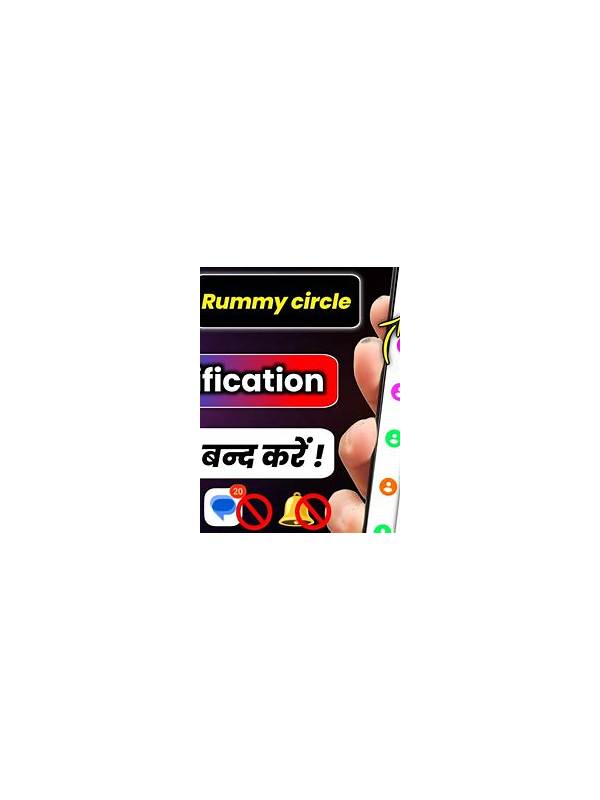
Notifications can interrupt attention and expose private information on a lock screen or shared display. Before a rummy session, adjust notification settings so alerts do not reveal message previews, payment details, or account activity to people nearby. The exact options depend on the device, but the safety principle is consistent.
Start with lock-screen previews. Choose an option that hides message content while still allowing you to see that an alert arrived. If the phone is shared or visible in a public place, consider hiding sensitive app notifications entirely during the session.
Review banners and sounds as well. A loud alert can cause an accidental tap or pull attention away from a turn. Use a temporary focus or do-not-disturb mode when appropriate, while allowing only essential contacts or emergency alerts according to your personal needs.
Check whether the app itself sends promotional, wallet, or login notifications. Turn off categories that are not needed for the session. Do not disable security alerts permanently; instead, use a temporary setting and restore important alerts afterward. A login warning can be valuable evidence that something needs attention.
Protect the notification shade too. On some devices, recent alerts can be read without unlocking the phone. Use a strong screen lock and avoid handing an unlocked device to someone while an account or payment notification is visible. If you must show the screen, close unrelated apps first.
After the session, restore your normal notification profile and check for important security messages. If a notification asks you to follow a link or verify payment, open the relevant service through its trusted path rather than tapping the alert automatically.
These steps do not affect game skill, but they protect concentration and privacy. A prepared device makes it easier to notice meaningful account events without allowing every alert to become a distraction or an accidental disclosure.
Before enabling a focus mode, confirm that you understand what it blocks and which safety alerts remain available. Device settings differ, and a quiet screen should not prevent you from receiving information you personally consider essential. The safest routine is temporary, deliberate, and reversible. Afterward, review the settings rather than assuming the phone returned to its previous profile automatically.
Use the same care with tablet and desktop pop-ups. Close private previews before screen sharing, and avoid displaying account pages in a place where bystanders can read them. Privacy begins with the device environment, not only with the game application.