Rummy Safety: What to Do After an Account Lock
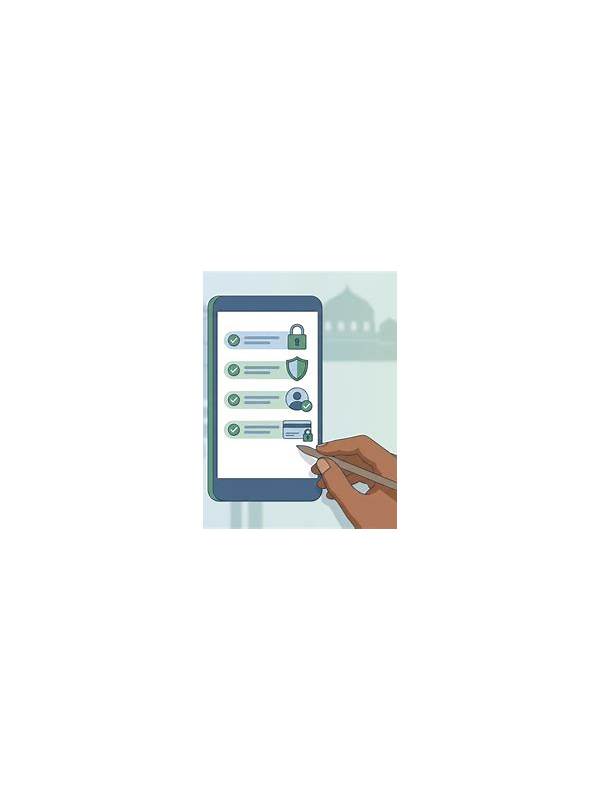
An account lock can result from a forgotten password, unusual sign-in activity, a device change, or a platform review. It is frustrating, but rushing to bypass it can expose the account to greater risk. Stop repeated login attempts and use the service’s official recovery route.
Open the app or website through a known bookmark, not a link in a message. Read the displayed reason and note any reference number without sharing it publicly. If the service asks you to verify ownership, follow only the approved process. Support should not need your password or a one-time code sent to another person.
Secure the surrounding accounts. Change a reused password through the official provider, enable multi-factor authentication where available, and review active sessions or trusted devices. Check email and payment notifications for unfamiliar activity. If a device may be compromised, use a separate trusted device to begin recovery and update its security software before returning to the locked account.
Be cautious of people who promise instant access for a fee or ask you to move the conversation to a private channel. They may use the lock as an opportunity to collect identity documents, codes, or payment details. A genuine recovery process may take time, and the safest response is to confirm the support address independently.
Keep a private record of what happened, including dates, devices, and official messages. Remove unnecessary copies of identity documents and redact personal information before sharing any screenshot. Do not create multiple replacement accounts to evade a review unless the platform explicitly permits it. Resolve the original issue first, then set a future recovery method that you can access without writing secrets in plain text.
Do not treat a lock as evidence that you must keep trying immediately. Take a break, confirm the official recovery address, and contact support once with a clear description. Repeated messages can slow review or create additional security flags. If money is involved, separate the access question from a payment dispute and use the provider’s documented process for each. Keep receipts secure, but never paste full card numbers into a support form that does not explicitly require them. If the lock follows a new device or location, note that context in the official request. A concise timeline helps support investigate without requiring unnecessary personal material. Wait for a verified response before taking further action. This preserves evidence while protecting your identity during recovery.