Rummy Safety: Verify an App Before Allowing Sensitive Access
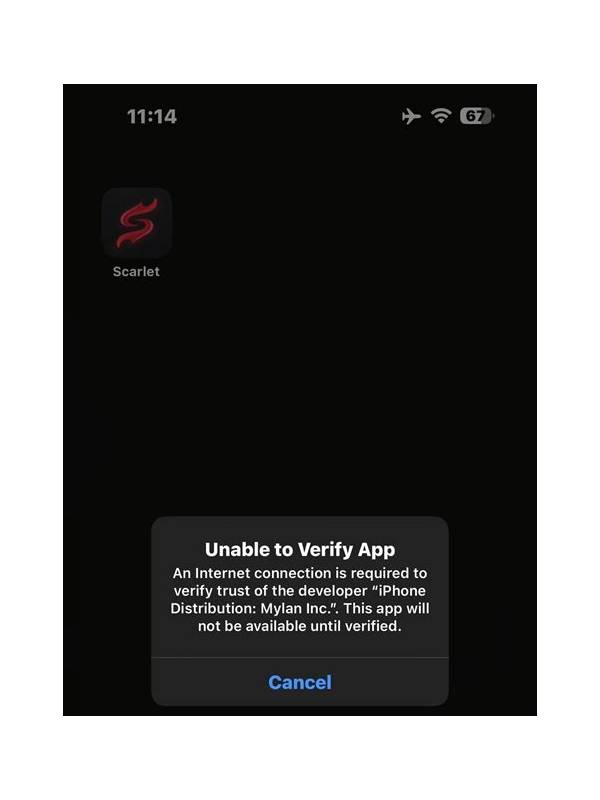
A card-game app should not need unlimited access to your personal life. Before installing or updating one, consider where it came from, what permissions it requests, and whether those permissions make sense for the advertised features. A familiar name is not enough because copied names and unofficial download pages can appear convincing.
Use the developer’s official website or a reputable app store when available. Check the developer name, support address, update history, and privacy information. Be cautious when a page pressures you to disable device protections, install a separate package, or contact an unknown account for a “special” version. Urgency is a reason to slow down, not a reason to skip verification.
Review permissions before accepting them. A game may reasonably need network access and notifications, depending on its design. Requests for contacts, text messages, microphone, or persistent location should have a clear explanation. Deny permissions that are unrelated to play, and remember that a permission request can be changed later in device settings.
Protect account information separately. Use a unique password, enable supported multi-factor protection, and never enter a password into a link sent by an unverified message. Do not share one-time codes with support impersonators. If payment is offered, read the platform’s terms and local rules, confirm the recipient, and keep spending within a limit you chose before starting.
Watch for warning signs after installation: unexpected pop-ups, battery drain, unexplained accessibility access, or requests to install another tool. If something feels wrong, stop using the app, revoke permissions, uninstall it through normal device settings, and change credentials from a trusted device. Review bank or payment statements through the provider’s official channel if money was involved.
Security checks do not guarantee that an app is safe, but they reduce avoidable exposure. The safest download is one you can identify, the safest permission is one you understand, and the safest account is one you can protect without sharing secrets.
When uncertain, pause installation and verify through an independent official channel.
Also distinguish privacy from convenience. A login that stays active may save time, but it is risky on a shared device. Use the device’s secure lock, sign out when appropriate, and avoid saving credentials in a browser that other people can open. Keep operating-system updates current and use the official uninstall process if you stop using the app. Small habits do not replace a trustworthy provider, but they limit the damage when a device or account is exposed.