Rummy Safety: Verify a Payment Screen Before Confirming
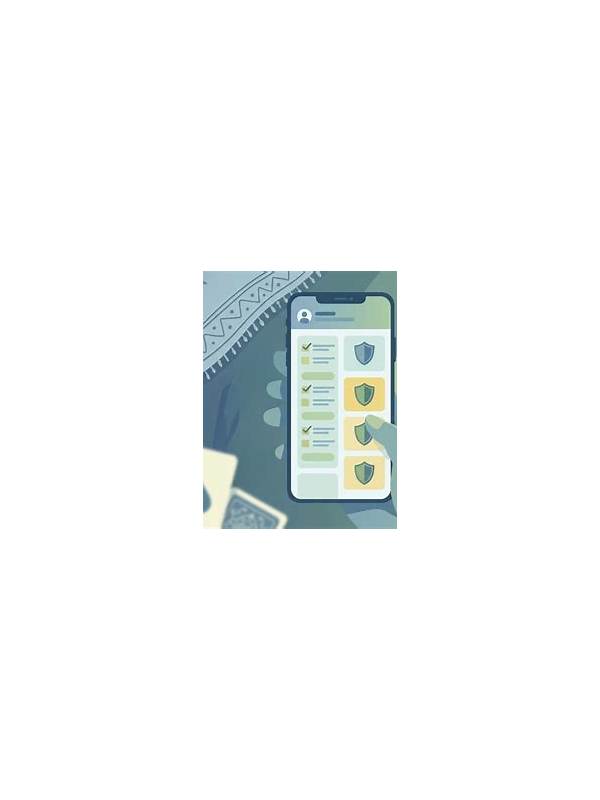
Payment screens deserve the same attention as game decisions. When a player is eager to enter a table or claim an offer, an unfamiliar screen can encourage a rushed confirmation. A short verification routine helps separate a legitimate transaction from a misleading prompt.
Start with the app or site address. Open the payment area through the service’s normal navigation rather than a link in an unexpected message. Check for spelling changes, strange domains, or a page that asks you to continue through a separate chat account. A familiar logo is not proof of authenticity because visual elements can be copied.
Read the amount, currency, recipient, and transaction purpose before confirming. A small difference in a decimal point or currency symbol can matter. If the screen does not explain what you are paying for, stop and seek help through the platform’s official support route. Do not rely on a phone number or contact link supplied only by the suspicious message.
Protect your authentication information. A legitimate payment flow may request a normal verification step, but you should never paste a password, one-time code, card PIN, or recovery phrase into a chat. Avoid sharing screenshots that expose account numbers or transaction identifiers. If someone claims to be support and pressures you to disclose a code, treat that as a warning sign.
Check whether the action is reversible and whether the platform shows a clear confirmation record. Save a private note of the date and amount, but store it securely. If a transaction appears duplicated, do not immediately send another payment to “fix” it. First confirm the account status and use the official dispute or support process.
A payment safety routine is especially useful when a promotion has a deadline. Deadlines can be real, but urgency should not remove your ability to verify the destination. If you feel rushed, close the screen and return through the standard app menu. A legitimate offer can be checked again.
These steps do not determine whether a game is legal or suitable in your location. Review local rules, platform terms, age requirements, and your own spending limits separately. Safety begins with a clear decision, not with a fast confirmation button.
If you share a device, check that the payment page has not inherited another person’s account or saved method. Sign out of accounts that are not yours and avoid saving payment details on public or borrowed devices. When a transaction is unfamiliar, write down the non-sensitive amount and time instead of keeping an exposed screenshot. A careful record supports a dispute without creating a new privacy issue.