Rummy How-To: Audit the Card Count Before Drawing
Counting sounds basic, but a quick audit prevents avoidable mistakes when a rummy turn begins. Players can misread whose turn it is, forget whether a draw has already happened, or treat a displayed hand as complete when one card is still outside the arrangement.
First confirm the turn state. Check whether the table expects a draw, a discard, or a declaration. If a connection delay occurred, do not infer the state from memory. Read the visible prompt and the action history when available.
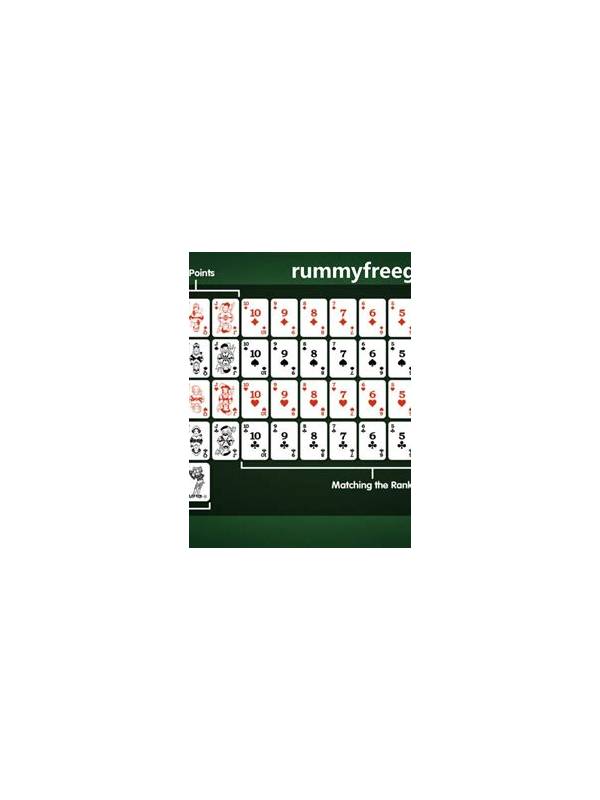
Next count the cards in your hand and compare that number with the format’s expected hand size. Count grouped cards and loose cards separately. If the count is unexpected, inspect whether a draw, discard, or animation has not finished before taking another action.
After the count, check the groups. Mark each as confirmed, possible, or loose, and identify the card that would be most damaging to discard. The count does not prove that a group is legal; it only makes the hand’s state explicit.
If the interface is crowded, use a slow count once and then a shorter check on later turns. Rank, suit, group, loose total. Avoid clicking while cards are still moving or while a status message is changing.
Practice with sample hands containing an extra card, a missing card, or an apparent duplicate. The exercise teaches you to investigate a mismatch instead of forcing the hand into a familiar pattern.
The audit is especially useful after an interruption or reconnect. Rebuild the visible state first, then act. A few seconds spent counting can prevent a mistaken draw or a declaration based on an incomplete hand.
The routine is simple: state, count, groups, then action. It cannot improve a bad draw, but it can keep a correct hand from being spoiled by a basic state error.
Do not let counting become a substitute for play. Once the state is confirmed, choose the action supported by your strongest legal route. The audit exists to prevent confusion, so keep it brief when the table is moving normally.
If the count does not match, stop and investigate the interface rather than drawing again. A delayed animation, a rejected click, or an unfamiliar format may explain the mismatch. Ask support through the normal channel after the session if the display remains confusing, and keep a note of the time and visible state without sharing private credentials.
Keep it brief.