Rummy How-To: Check Battery and Device Heat Before Playing
Device condition is part of preparation for online play. A low battery, blocked vent, or overloaded background process can turn a simple draw into a missed timer. A two-minute check before joining a table helps you decide whether to play now, use a charger safely, or wait.
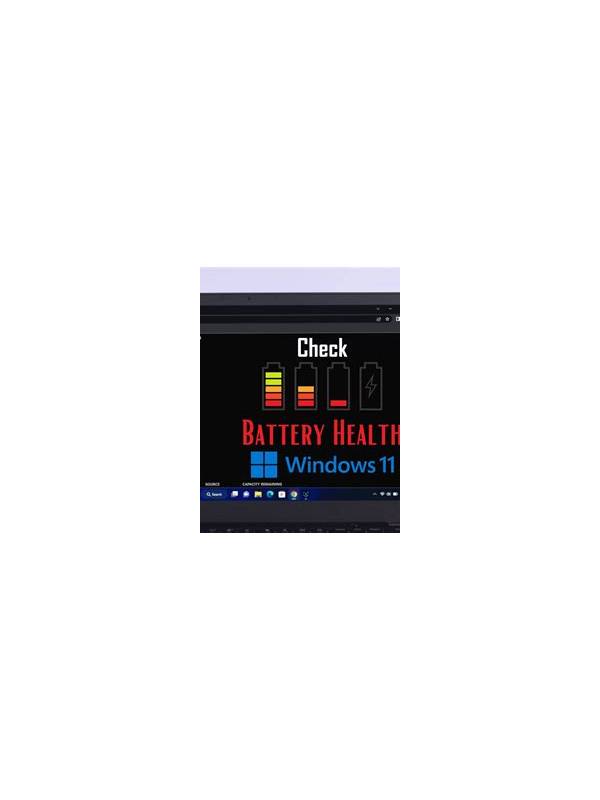
Check the battery percentage and estimated remaining time rather than relying on the icon alone. If the device is already low, connect a reliable charger before starting. Keep the charging cable clear of movement and avoid damaged adapters. A loose connection can interrupt a session or create more stress than the extra battery is worth.
Feel the back of the device and inspect the environment. Warmth after ordinary use may indicate demanding background activity, direct sunlight, or poor airflow. Remove an insulating case temporarily if the manufacturer permits it, move away from heat, and close unnecessary video, navigation, or download tasks. Never cover vents or place a hot device on soft bedding.
Test the connection while the device is stable. Open the game interface, check that the screen responds to touch, and make sure notifications will not cover the cards. If the device is already lagging, do not assume it will recover during a timed table. A practice screen is a safer place to confirm performance than a paid or competitive session.
Set a personal cutoff. If the device becomes unusually hot, the battery drops rapidly, or the interface stops responding, leave when the rules allow and investigate. Do not keep playing simply because a hand has begun. Record the practical cause, such as a system update or poor signal, and address it before the next session. A prepared device protects attention and reduces avoidable technical mistakes.
Check storage and pending updates as well. A device that is nearly full may behave unpredictably when an app needs to cache a hand or install a small service update. Schedule major updates for a time when you are not playing, and restart the device before an important session if that normally improves performance. Use a stable, trusted network rather than switching signals mid-hand. These steps reduce ordinary causes of freezing and make it easier to leave responsibly when conditions deteriorate. If you must play while traveling, keep the session shorter and avoid relying on a single fragile connection. Do not place the device where heat, rain, or movement can damage it. Technical preparation is part of deciding whether the table is suitable today.