Rummy Safety: Handle a Missing Notification
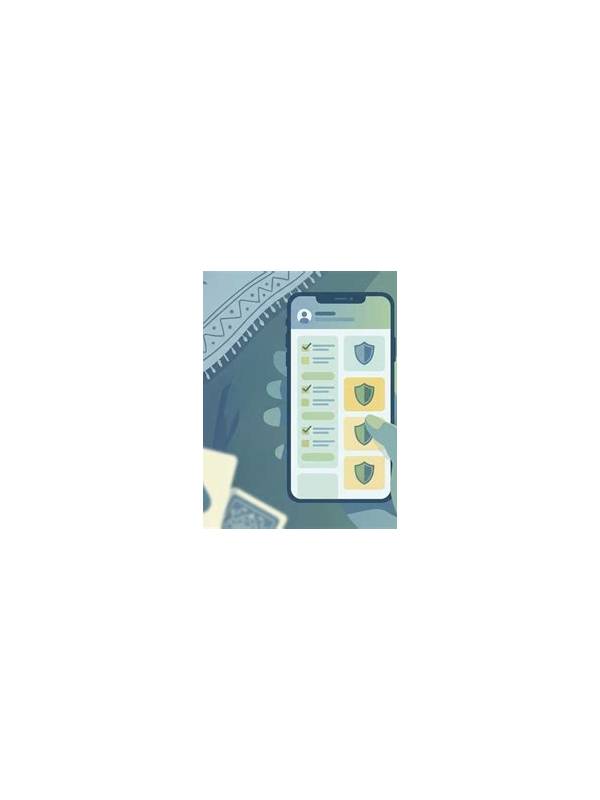
A missing notification can be a minor delay or a sign that an important status has not been confirmed. The safe response is to check the source of truth inside the app or official account area. Do not treat silence as approval, failure, or completion.
Check the device clock and connection only after checking the underlying status. An incorrect clock can make an event appear late, while a weak connection can delay a banner without changing the recorded result. These clues explain the alert problem; they do not replace confirmation of the action itself.
First check whether notifications are enabled for the app and device. Review permission settings, focus modes, battery restrictions, and network status. These checks explain many missing alerts, but changing settings during an active payment or declaration should wait until the current state is clear.
Open the relevant in-app history or status page. For a game, confirm whose turn it is, whether a move was accepted, and whether the timer is running. For an account or wallet event, look for a pending, successful, or failed state. Take a screenshot only if it contains no sensitive information, and store any record securely.
Do not repeat a transaction or submit a move simply because an alert is absent. A delayed notification can arrive after the action has already been processed. If the status remains unclear, use the official help channel linked from the app or service. Explain the time, action, and visible status without sending passwords, one-time codes, or complete financial credentials.
After the issue is resolved, test notifications in a low-risk context if the service provides that option. Keep the notification content minimal on a shared lock screen. The goal is to receive useful status information without exposing private account details.
A missing alert is an uncertainty problem. Confirm the underlying state first, then repair the notification path. This order prevents both duplicate actions and false reassurance. If a notification contains sensitive information, change its preview settings rather than forwarding the message for help. When a service is unavailable, wait for an official status update instead of installing an unverified replacement. A missing alert is inconvenient, but an unofficial fix can create a larger account or privacy problem. If an alert is important enough to require immediate attention, the service should also show a verifiable status somewhere you can open deliberately. Treat a banner as a pointer, not as the complete record. This habit is useful for both game events and account maintenance.