Rummy Tips: Use Color-Blind-Friendly Card Settings
Card interfaces often use color to separate suits, signal alerts, or highlight possible combinations. That design can become difficult to read when two suits look similar, when a screen is dim, or when glare changes the display. A few accessibility adjustments can reduce errors without changing the rules or strategy of the game.
Look for settings such as high contrast, suit symbols, large cards, reduced animation, or an alternative theme. A useful interface gives each suit a distinct symbol or label instead of relying on red and black alone. If the app does not provide those options, increase system text size and brightness only as far as comfortable, and test the result before entering a serious table.
Spacing is as important as color. Cards that touch one another can make ranks and suit marks hard to separate. Choose a view with more space, landscape orientation, or a larger hand area if available. Turn off decorative effects that briefly cover card faces or move them after every draw. Consistency makes it easier to maintain a mental grouping.
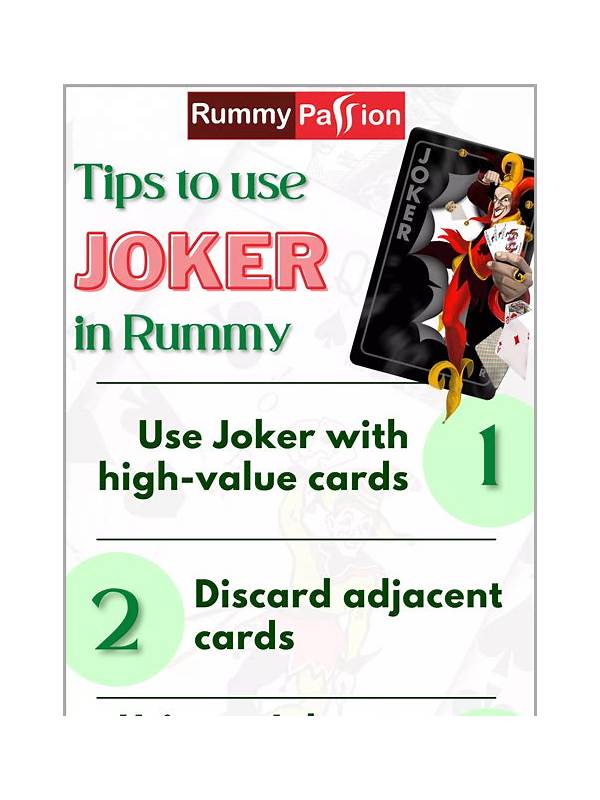
Test with a small set of cards that includes similar colors, neighboring ranks, and a joker. Ask whether you can identify every card at normal speed without zooming. If you use a physical note or accessibility overlay, keep it free of account information. For shared devices, remember that visual settings can affect other users, so restore them only if necessary.
Do not rely on a highlight or suggested-meld feature as the sole confirmation. Read the rank and suit yourself, especially before a discard or declaration. If a particular app remains unreadable even after adjustments, choose a practice table or a different interface. Accessibility is a practical accuracy issue: the easier it is to distinguish cards, the less likely a visual mistake will become a rules or money problem.
Consider taking a short screen break if your eyes begin to strain. Fatigue can make similar symbols blend together even when the settings are technically adequate. Keep the device at a comfortable distance and avoid reflections across the card area. If you use a screen reader or magnification tool, learn its shortcuts before a timed hand. Tell support what visual distinction is missing without sending a screenshot that contains account or transaction details. Try the adjusted view in both bright and dim conditions. A theme that works at home may lose contrast outdoors or under artificial light. Keep the setting that remains readable across the places where you normally play.